To create docket reports in Name Warden, go to the "Reports" link in the center of the top of your browser window. This screen gives you your overall Docket list, for all marks in Name Warden. You can sort this list by Mark Name, by Client Name, or by Due Date by clicking the appropriate link at the beginning of the list.
You can also sort by Tags that you have set up using the search window to the top right of the Docket screen. Here is how.
1. Set up your tags for the marks you want to include:
2. In the Docket List column, use the link "tag search" to the bottom of the search field to show all available tags.
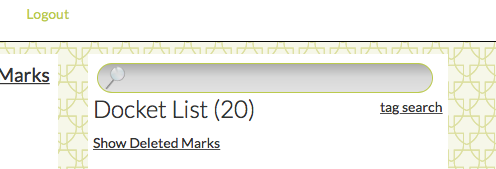
3. Pick the tag you need. When you click to select that tag, your six-month docket on the left of your screen will re-generate, to show only deadlines for marks with the tag you have selected.
4. To email a report, as email text or as a Word document, click the appropriate option under the main docket view heading. ("Get this list emailed to you as:")
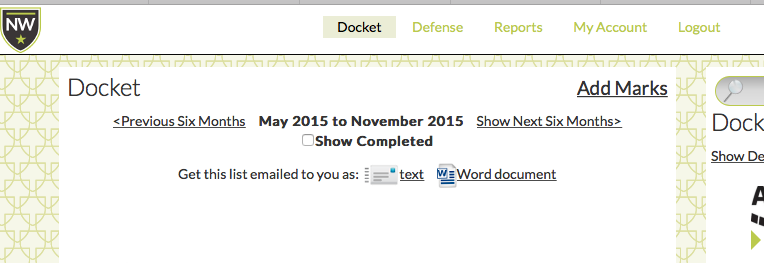
5. If you need more than six months, simply select "Show Next Six Months>" from the header area, and send a report of those results as well.
0 Comments