The Name Warden calender integration is an iCal sync. This how-to shows Outlook 2007 for Windows.
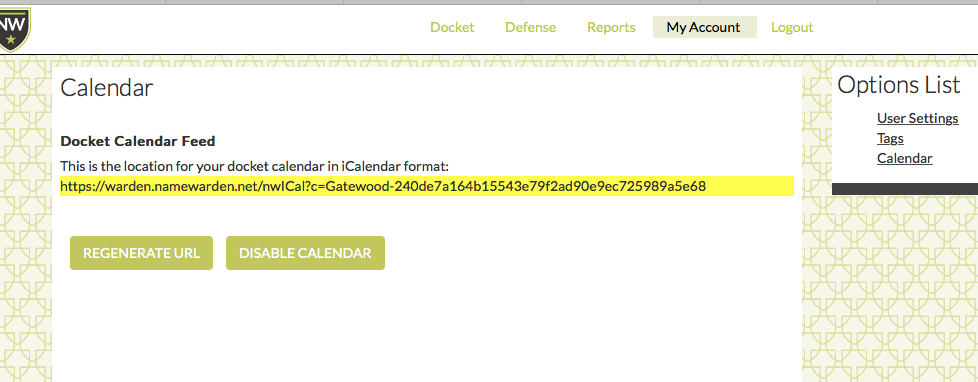
First, get your Name Warden iCalendar link by navigating to "My Account," then "Options List" (to the right), then "Calendar."
Cut and paste the highlighted URL.
Now open Outlook and go to Tools \ Account Settings.

In Account Settings choose the Internet Calendars tab, click on New… and Paste the URL you just copied from Name Warden into the location and click Add.
You then get to the subscriptions screen. Give the calendar a name at Folder Name (such as Name Warden calendar) and a description and click OK.
You should now be able to see this calendar in the list in the Outlook sidebar panel, Other Calendars, and view your Name Warden calendar items with your other calendar(s).
0 Comments