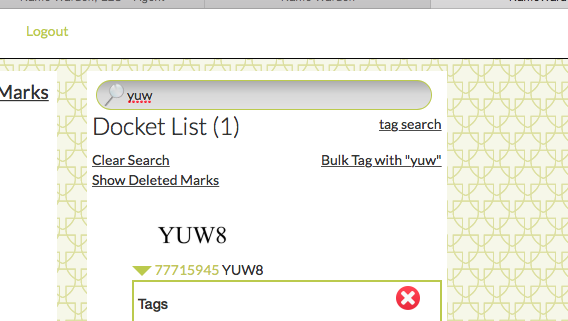
To remove a mark and all associated deadlines from your docket, go to the right column of your screen, Docket List, and either select the mark if it appears there, or search for the mark using the magnifying glass-indicated search field at the top of that column.
Click on the triangle beside the mark's serial number to expand the selection, and remove that mark from your docket by clicking the red circle-X. A pop-up will confirm that you intend to remove the mark from your docket. Confirm and it will be gone.
0 Comments