You can add marks to your docket at any time.
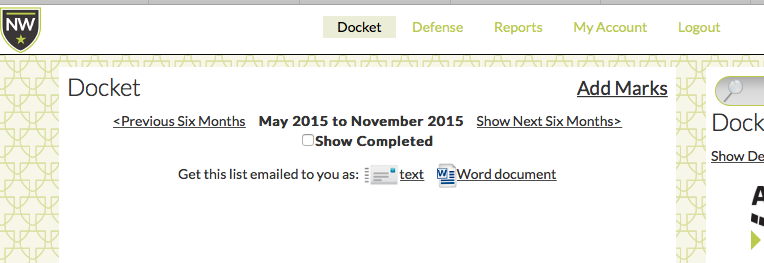
When logged in, you will see the "Add Marks" link to the upper right of your docket screen:
Clicking on that link will take you to a screen that looks like your initial on-boarding screen, where you can add marks by correspondent email address, attorney name, make identification, or serial number.
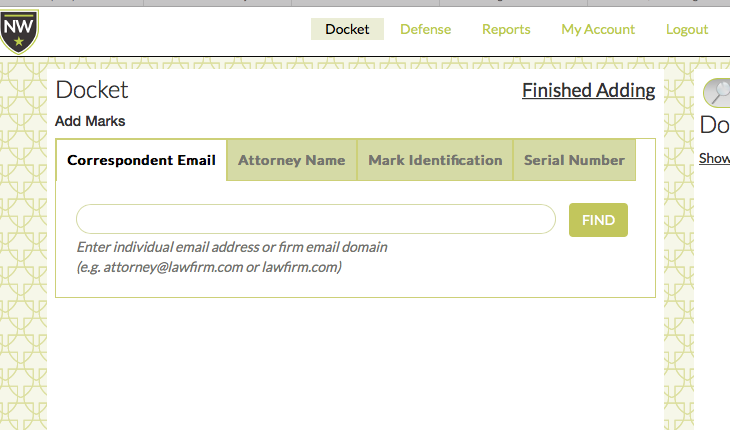
When you are finished adding marks, simply click on "Finished Adding" at the upper right.
0 Comments